 Creator Tips
How to Repurpose One Video into 10 Platform-Specific Posts
Maximize every piece of content by adapting it across TikTok, Instagram, YouTube, LinkedIn, and more
How to Repurpose One Video into 10 Platform-Specific Posts
Creating original content for every platform is a recipe for burnout. The math does not work: a creator active on five platforms who posts three times per week needs 15 unique pieces of content -- every week. Scale that to ten platforms and the workload becomes physically impossible for a solo creator or small team.
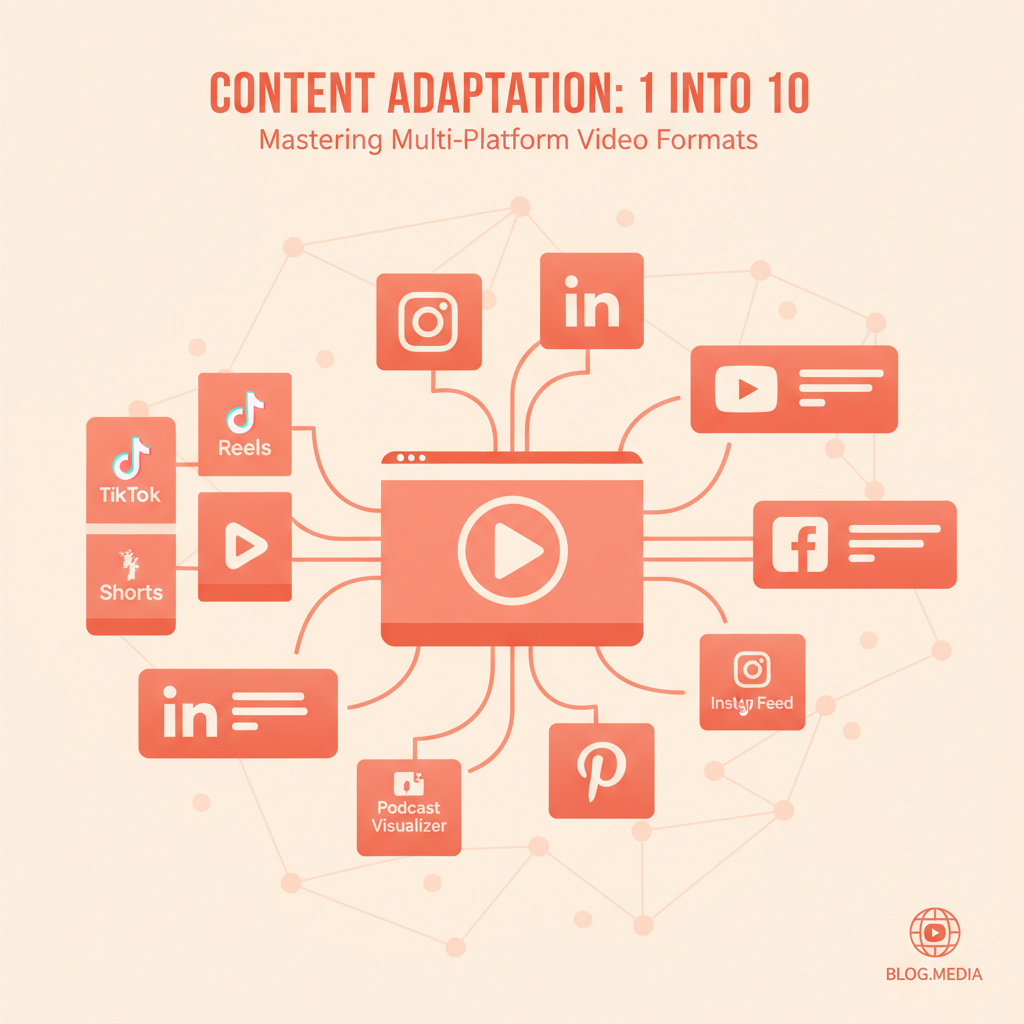
The solution is not to create more content. It is to extract more value from every piece of content that already exists. One well-produced video can become 10 or more platform-specific posts, each tailored to the format, audience expectations, and algorithmic preferences of its destination.
This guide walks through the exact process of taking a single source video and transforming it into posts optimized for every major platform -- including the specific dimensions, captions, and distribution tools that make the workflow practical.
The Source Video
Everything starts with what will be called the "source video" -- the original, highest-quality version of the content. This could be:
- A 60-second vertical video shot on a phone
- A 10-minute YouTube long-form video
- An AI-generated clip from SwapFlow's Create Studio
- A recorded webinar, interview, or presentation
- A product demo or tutorial
The ideal source video is the longest, highest-resolution version available. It is always easier to cut down and crop than to scale up.
For the examples in this guide, assume the source video is a 3-minute vertical (9:16) talking-head video with b-roll, filmed in 4K.
Post 1: TikTok (9:16 Vertical, 15-60 seconds)
TikTok demands the most aggressive editing. The platform rewards fast pacing, strong hooks, and content that gets to the point immediately.
Adaptation Strategy
- Extract the single most compelling 15-30 second segment from the source video
- Front-load the hook: TikTok viewers decide in under one second whether to keep watching. The first frame must be attention-grabbing
- Add captions: 80% of TikTok videos are watched with sound off initially. Burned-in captions are essential
- Aspect ratio: 9:16 (1080x1920) -- if the source is already vertical, no cropping needed
SwapFlow Workflow
In SwapFlow's Studio editor, creators can trim the source video to the strongest segment, add auto-generated captions, and export at the correct resolution. The Compose Post tool then allows adding TikTok-specific text -- hashtags, trending sounds references, and a caption written in TikTok's casual, direct tone.
Post 2: Instagram Reels (9:16 Vertical, 15-90 seconds)
Instagram Reels and TikTok share the same aspect ratio, but the content strategy differs.
Adaptation Strategy
- Use a slightly longer cut than TikTok -- 30-60 seconds works well for Reels
- Polish the visual quality: Instagram's audience expects higher production value
- Cover image matters: Unlike TikTok, the Reel's cover image appears in the profile grid. Choose or create a visually clean frame
- Captions should be styled: Use a clean, readable font rather than TikTok's more playful text styles
Key Difference from TikTok
The same 9:16 video can serve both platforms, but the caption text (the written post accompanying the video) should differ. Instagram captions can be longer, more descriptive, and include a call-to-action. TikTok captions should be short and punchy. SwapFlow's Compose Post tool allows writing platform-specific captions for each destination.
Post 3: YouTube Shorts (9:16 Vertical, up to 60 seconds)
YouTube Shorts looks identical to TikTok and Reels on the surface, but the discovery mechanism is different.
Adaptation Strategy
- Optimize the title: YouTube Shorts are searchable. Use keywords in the title that people would actually search for
- Keep it under 60 seconds: The hard limit for Shorts
- Include a verbal CTA: "Subscribe for more" works better on YouTube than on other platforms because the subscription mechanic is stronger
- No watermarks: YouTube's algorithm deprioritizes content with visible TikTok or Instagram watermarks
Tip
If the TikTok version was created first, re-export it from SwapFlow without any platform-specific watermarks or overlays before scheduling it as a YouTube Short.
Post 4: Instagram Feed Post (4:5 Portrait or 1:1 Square)
Not everything needs to be a Reel. A still frame or short clip posted to the Instagram feed in 4:5 or 1:1 format reaches a different segment of the audience.
Adaptation Strategy
- Extract a single powerful frame from the source video as a still image, or create a 15-second looping clip
- Crop to 4:5 (1080x1350) for maximum feed real estate, or 1:1 (1080x1080) for a clean square format
- Write a long-form caption: Instagram feed posts support up to 2,200 characters. Use this space for storytelling, tips, or context that complements the visual
- Add a carousel: Pull 3-5 key frames from the video and arrange them as a carousel post with text overlays summarizing the main points
Cropping in SwapFlow
SwapFlow's video editor includes aspect ratio presets. Selecting 4:5 or 1:1 automatically reframes the video, keeping the subject centered. For talking-head content, the editor's smart crop ensures the speaker's face stays in frame even after the aspect ratio changes.
Post 5: YouTube Long-Form (16:9 Landscape)
If the source video is vertical, creating a landscape version requires more than just cropping. This is where additional context and framing elevate the content.
Adaptation Strategy
- Use the full 3-minute source video without cutting it down
- Add a background or frame: Place the vertical video in the center of a 16:9 canvas with a blurred or branded background on either side, or use a split-screen layout with supporting visuals
- Add chapters: Break the video into timestamped sections for YouTube's chapter feature
- Create a custom thumbnail: AI image generation in SwapFlow can produce eye-catching thumbnails (more on this in a companion guide)
- Write a full description: YouTube descriptions support links, timestamps, keywords, and calls-to-action
Aspect Ratio
16:9 (1920x1080 or 3840x2160 for 4K). This is the only platform in this list that requires landscape orientation as the primary format.
Post 6: LinkedIn Video (1:1 Square or 16:9 Landscape)
LinkedIn is an underutilized platform for video content, which means less competition and higher organic reach for creators who show up.
Adaptation Strategy
- Choose the most educational or insight-driven segment of the source video -- LinkedIn audiences want to learn something
- Keep it under 90 seconds: LinkedIn video completion rates drop sharply after that
- 1:1 square format works best in the LinkedIn feed on both desktop and mobile
- Add a text hook in the first 3 seconds: A bold statement or statistic that makes professionals stop scrolling
- Caption with professional tone: LinkedIn captions should be written in a more authoritative, insight-driven style than other platforms
Post 7: Twitter/X Video (16:9 or 1:1, under 2:20)
Video on Twitter/X is consumed quickly and often without sound.
Adaptation Strategy
- Cut the absolute shortest, most impactful clip -- 15-30 seconds maximum
- Burned-in captions are mandatory: Twitter autoplay is muted by default
- Pair with a strong tweet: The tweet text is as important as the video itself. Write something provocative, insightful, or surprising that makes people click play
- 1:1 or 16:9 both work; 1:1 takes up more feed space on mobile
Post 8: Pinterest Video Pin (2:3 or 9:16, 15-60 seconds)
Pinterest video is a growth channel that most creators overlook entirely.
Adaptation Strategy
- Use 2:3 aspect ratio (1000x1500) for optimal pin display, or 9:16 for Idea Pins
- Focus on the visual: Pinterest is a visual search engine. The content should be beautiful, aspirational, or informative at a glance
- Add a text overlay title: Pinterest users browse quickly. A bold title overlay tells them what the video is about before they click
- Write SEO-rich pin descriptions: Pinterest search is keyword-driven. Include relevant search terms naturally in the description
Post 9: Facebook Reel or Feed Video (9:16 or 1:1)
Facebook's algorithm in 2026 heavily promotes Reels, making it a worthwhile distribution channel even if it is not the primary audience.
Adaptation Strategy
- Reuse the Instagram Reels version with minimal changes for Facebook Reels
- For feed video: 1:1 square format performs best in the News Feed
- Captions should be shorter than Instagram: Facebook users have shorter attention spans for caption text
- Consider the older demographic: If the source content skews young, adjust the framing or context for a slightly older audience
Post 10: Blog Post or Newsletter Embed
The final destination is not a social platform at all -- it is owned media.
Adaptation Strategy
- Embed the video (YouTube or direct upload) in a blog post
- Write a full article that expands on the video's topic with additional context, links, and resources
- Extract quotes and key points as pull quotes or highlight boxes
- Use video frames as article images: Screenshot key moments to break up the text
- Include the video in a newsletter: Email subscribers who prefer video can watch; those who prefer reading can skim the article
The Distribution Workflow
Creating 10 versions of one video sounds like a lot of work. Without the right tools, it is. Here is how SwapFlow streamlines the process into a repeatable workflow.
Step 1: Import the Source Video
Upload the source video to SwapFlow. It is stored in the media library and becomes the starting point for all derivatives.
Step 2: Create Platform Versions in Studio
Use the Studio editor to create each platform version:
- Trim to the appropriate length for each platform
- Crop to the correct aspect ratio using presets (9:16, 4:5, 1:1, 16:9, 2:3)
- Add captions using the auto-caption generator
- Export each version separately
Step 3: Write Platform-Specific Captions
Use the Compose Post tool to write captions tailored to each platform's tone and format:
- TikTok: Short, casual, hashtag-heavy
- Instagram: Medium length, storytelling, call-to-action
- LinkedIn: Professional, insight-driven, thought leadership
- Twitter/X: Punchy, provocative, conversation-starting
- YouTube: Keyword-rich, descriptive, with timestamps
- Pinterest: SEO-optimized, descriptive, keyword-focused
Step 4: Schedule and Distribute
Connect all destination platforms in SwapFlow's Publish section. Schedule each version for its optimal posting time (see the companion guide on best posting times). The workflow system can distribute all 10 versions from a single queue, each going out at the right time on the right platform.
Step 5: Monitor and Iterate
Track performance across all platforms in SwapFlow's dashboard. Over time, patterns will emerge -- perhaps the LinkedIn version consistently outperforms, suggesting the audience there is more receptive and deserves a larger share of content attention.
The 80/20 of Repurposing
Not every piece of content needs all 10 versions. For most creators, the highest-impact repurposing targets are:
- TikTok / Reels / Shorts (same vertical format, three platforms)
- LinkedIn (underserved, high organic reach)
- Twitter/X (fast distribution, conversation potential)
These five posts can be created from one source video in under 30 minutes using SwapFlow's editing and scheduling tools. The remaining five are bonus distribution for creators who want maximum reach.
The goal is not to be everywhere. It is to get the most value from every minute spent creating.
Ready to turn one video into a multi-platform content engine? Sign up for SwapFlow and start repurposing with built-in editing, captioning, and cross-platform scheduling.