 Product Updates
New: AI Chat Assistant for Content Ideas and Scripts
Brainstorm, write, and refine content with the most advanced AI models -- right inside SwapFlow
The Content Ideation Problem
Every creator knows the feeling: staring at a blank screen, trying to come up with the next post, video script, or caption that will resonate with their audience. Ideation is often the bottleneck in content production, not editing, not publishing, not distribution -- just figuring out what to say.
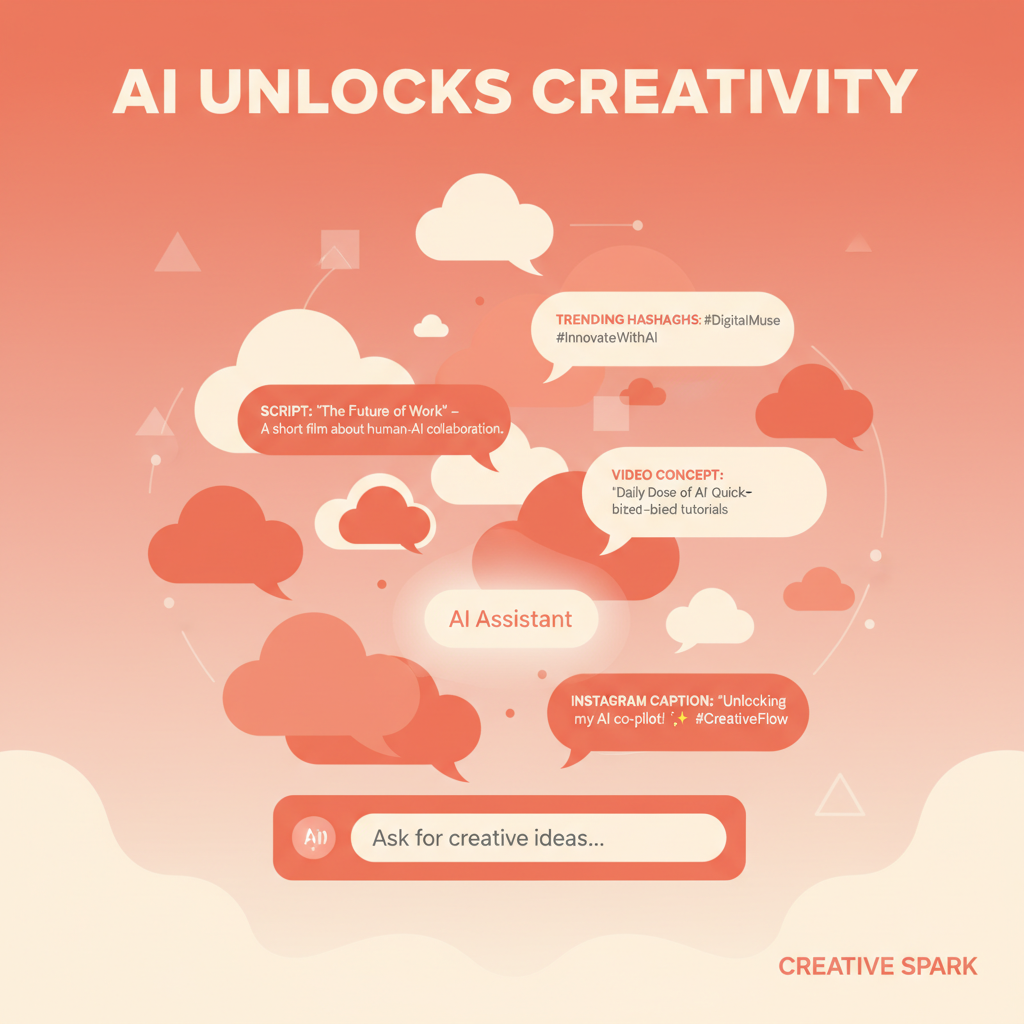
SwapFlow's new AI Chat Assistant puts powerful language models directly into the content creation workflow, eliminating the context-switching between separate AI tools and the publishing platform. Instead of drafting in one app, refining in another, and publishing in a third, creators can now brainstorm, write, and polish content without leaving SwapFlow.
Available AI Models
The AI Chat Assistant offers a selection of models suited to different tasks and complexity levels. Each model brings distinct strengths, and SwapFlow users can switch between them within the same conversation.
Premium Tier Models
- Claude Opus 4.5: Anthropic's most capable model, excelling at nuanced writing, complex reasoning, and long-form content. Ideal for detailed video scripts, brand voice development, and content strategy planning. Available on SwapFlow's Premium and Business plans.
Standard Tier Models
- Claude Sonnet 4.5: A balanced model that delivers strong writing quality with faster response times. Well-suited for caption writing, hashtag research, and quick brainstorming sessions.
- Gemini 2.5 Pro: Google's advanced reasoning model with strong analytical capabilities. Particularly effective for trend research, data-driven content ideas, and competitor analysis.
- Gemini 3 Pro: The latest generation of Google's model family, offering improved reasoning and broader knowledge. Excellent for in-depth content strategy discussions.
Fast Response Models
- Gemini Flash: Optimized for speed, delivering rapid responses for quick tasks like generating hashtag lists, rephrasing captions, or getting instant feedback on content ideas. The go-to choice when turnaround time matters more than depth.
How to Access the AI Chat Assistant
Getting started with the Chat Assistant takes just a few clicks:
- Navigate to Create in the SwapFlow dashboard
- Select the Text category
- Choose AI Chat from the available tools
- Select a model from the dropdown menu
- Start the conversation
The interface works like a standard chat application, with the full conversation history preserved during the session. Users can start new conversations, switch models mid-discussion, and reference previous messages for context.
Core Use Cases
The AI Chat Assistant is designed around the specific needs of content creators, not general-purpose Q&A. The following use cases represent the most common and effective ways to leverage the tool.
Brainstorming Content Ideas
Coming up with fresh content ideas on a consistent schedule is one of the hardest parts of being a creator. The Chat Assistant can generate ideas based on:
- Niche or topic area: "Give me 20 video ideas for a fitness creator targeting beginners"
- Platform-specific formats: "What types of Instagram Reels are performing well in the cooking space?"
- Trending topics: "What are the current trends in sustainable fashion I could create content about?"
- Content calendars: "Help me plan a week of posts for a SaaS brand launching a new feature"
- Seasonal opportunities: "What content should a travel creator publish in the lead-up to summer?"
A single brainstorming session can produce weeks of content ideas, which creators can then prioritize and schedule through SwapFlow's publishing tools.
Writing Video Scripts
Video scripts require a specific structure that differs from written content. The Chat Assistant understands the conventions of short-form and long-form video scripting:
- Hook writing: generating attention-grabbing opening lines optimized for the first 3 seconds
- Script structure: intro, body, call-to-action formatted for spoken delivery
- Duration targeting: scripts calibrated to hit specific time targets (30 seconds, 60 seconds, 3 minutes)
- Platform adaptation: adjusting tone and pacing for TikTok vs. YouTube vs. LinkedIn
- B-roll suggestions: recommending visual elements to accompany voiceover sections
Example prompt: "Write a 60-second TikTok script about 3 productivity hacks for remote workers. Make the hook provocative and the tone conversational."
The model will produce a script with timestamps, speaker notes, and visual cue suggestions that a creator can record immediately.
Refining Captions
A great piece of visual content can underperform if the caption misses the mark. The Chat Assistant helps with:
- Caption rewriting: transforming rough drafts into polished, platform-appropriate text
- Tone adjustment: shifting between professional (LinkedIn), casual (TikTok), aspirational (Instagram), and conversational (Twitter/X)
- Length optimization: expanding or condensing captions to fit platform best practices
- Emoji and formatting: suggesting strategic emoji placement and line breaks for readability
- A/B variations: generating multiple caption options to test different approaches
Generating Hashtags
Hashtag strategy varies significantly by platform. The Chat Assistant can:
- Generate platform-specific hashtag sets (Instagram's 30-hashtag strategy vs. TikTok's focused 3-5 hashtags)
- Balance high-volume discovery hashtags with niche community hashtags
- Suggest branded hashtags for campaign tracking
- Identify trending hashtags relevant to specific content topics
- Avoid banned or shadowbanned hashtags that could limit reach
Researching Trends and Topics
Staying current with platform trends is essential for content relevance. The Chat Assistant assists with:
- Trend identification: "What content formats are gaining traction on LinkedIn right now?"
- Audience research: "What questions do beginning photographers commonly ask online?"
- Competitor analysis: "What types of content do successful meal prep channels typically post?"
- Platform updates: "What recent algorithm changes should Instagram creators know about?"
- Content gap analysis: "What topics in personal finance are underserved on YouTube?"
Integration with Other SwapFlow Features
The AI Chat Assistant does not exist in isolation. It connects to SwapFlow's broader content creation and publishing ecosystem in several practical ways.
Save and Reuse Scripts
Content generated in the Chat Assistant can be saved and referenced later. Creators can build a library of scripts, caption templates, and idea banks that inform future content production. This is particularly useful for:
- Maintaining a content backlog of pre-written scripts
- Creating template libraries for recurring content formats
- Storing brand voice guidelines that can be referenced in future conversations
Use in Compose
Ideas and text generated in the Chat Assistant can be transferred directly to SwapFlow's Compose view, where content is prepared for publishing. This means a creator can:
- Brainstorm ideas in Chat
- Write a script for their next video
- Generate platform-specific captions
- Move those captions directly into Compose
- Select target platforms and schedule
The entire workflow, from ideation to scheduled publication, happens within SwapFlow.
Complement AI Media Generation
SwapFlow offers over 70 AI models for image, video, and audio generation. The Chat Assistant complements these tools by handling the text layer of content creation:
- Write the voiceover script before generating an AI video
- Craft the image prompt for AI image generation models
- Develop the caption and hashtag strategy before publishing AI-generated media
- Plan a content series that combines AI-generated visuals with written narratives
Tips for Effective Prompting
The quality of AI-generated content depends significantly on the quality of the input prompt. The following techniques help creators get the most out of the Chat Assistant.
Be Specific About Context
Generic prompts produce generic results. Including details about the target audience, platform, content format, and brand voice leads to more usable output.
- Weak: "Write me a caption"
- Strong: "Write an Instagram caption for a post about morning routines, targeting women aged 25-35 who are interested in wellness. Tone should be warm and encouraging, under 150 words, with a question at the end to drive comments."
Use Iterative Refinement
The Chat Assistant maintains conversation context, which means creators can refine output through follow-up messages:
- "Make the hook shorter and more urgent"
- "Add a call-to-action that directs people to the link in bio"
- "Rewrite this for LinkedIn -- more professional, less casual"
- "Give me 3 alternative openings for this script"
This iterative approach often produces better results than trying to get the perfect output in a single prompt.
Provide Examples
When a specific tone or format is needed, providing an example in the prompt helps the model match the desired style:
- "Here is a caption I liked from another creator: [example]. Write something similar for my audience of small business owners."
- "My brand voice sounds like this: [example paragraph]. Match this tone in the following script."
Request Structured Output
For scripts and content plans, asking for structured output makes the result immediately actionable:
- "Format the script with timestamps and visual cues"
- "Present the content calendar as a table with columns for date, platform, content type, and topic"
- "List hashtags in groups: 10 broad, 10 niche, 5 branded"
Leverage Model Strengths
Different models excel at different tasks. A productive workflow might involve:
- Gemini Flash for quick hashtag generation and caption variations
- Claude Sonnet 4.5 for script writing and caption refinement
- Claude Opus 4.5 for comprehensive content strategy and long-form planning
- Gemini 2.5/3 Pro for trend research and data-informed content decisions
Switching models within the same session allows creators to use the right tool for each stage of the content development process.
Availability and Pricing
The AI Chat Assistant is available across all SwapFlow plans:
- Starter plan: access to Gemini Flash and standard models with included credits
- Creator plan: expanded credit allocation and access to all standard models
- Premium plan: full access including Claude Opus 4.5 with generous credit limits
- Business plan: highest credit allocation with priority processing
Each interaction consumes credits based on the model used and the length of the conversation. Credit usage is displayed in real time within the chat interface, giving creators full visibility into their consumption.
Beyond a Chatbot
The distinction between a general-purpose AI chatbot and SwapFlow's Chat Assistant is context. General chatbots require creators to explain their situation, their platform, their audience, and their goals every time. SwapFlow's Chat Assistant exists within the content creation environment, which means it can be part of a workflow rather than a detour from one.
The goal is straightforward: reduce the time between having an idea and publishing it. With the Chat Assistant handling ideation, scripting, and caption writing, creators can focus their energy on what matters most -- connecting with their audience.
Ready to supercharge your content creation process? Sign up for SwapFlow and start chatting with AI models that understand what creators need.